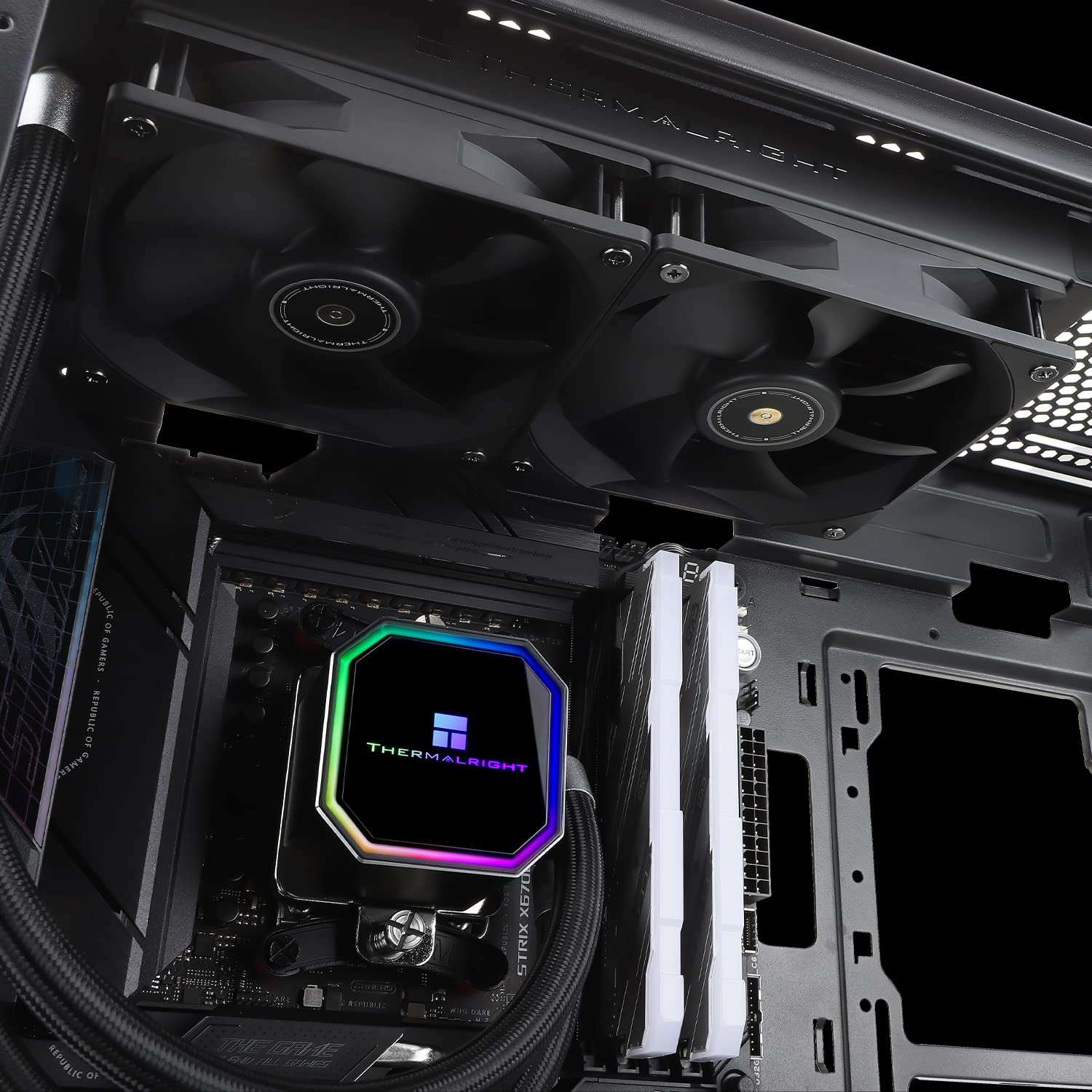
The Core Ultra 7 270K sits in an interesting spot: it’s a strong mid-to-high-end chip on Intel’s Arrow Lake platform, but it doesn’t need the most expensive board on the market to perform well. The Z890 chipset is your only real option for overclocking and full feature access, and there’s a decent spread of boards between value-oriented and enthusiast-tier.
All five boards here use Z890 with LGA 1851, DDR5, and PCIe 5.0. The differences come down to VRM strength, connectivity, and how much you’re willing to spend for features you may or may not use.
Best motherboard for Intel Core Ultra 7 270K Plus: Quick Comparison
| Motherboard | M.2 Slots | Notable Features | Price (Amazon) |
| MSI Z890 Gaming Plus WiFi | Multiple | Budget-friendly Z890 | $209.38 – Buy Now |
| ASRock Z890 Pro RS | Multiple | DDR5-8666 support | $169.99 – Buy Now |
| GIGABYTE Z890 Eagle WiFi7 | 4x M.2 | EZ-Latch, USB4 | $149.99 – Buy Now |
| ASUS ROG Strix Z890-A | 5x M.2 | AI OC, 5x M.2 | $289.99 – Buy Now |
| ASUS TUF Gaming Z890-PLUS | Multiple | Entry TUF pick | $247.20 – Buy Now |
Best motherboard for Intel Core Ultra 7 270K Plus: Top Picks
1. MSI Z890 Gaming Plus WiFi

Quick Highlights
- Z890 chipset, PCIe 5.0, DDR5 support
- 5Gbps LAN, Wi-Fi 7, Bluetooth 5.4, Thunderbolt 4
- USB Type-C onboard, ATX form factor
- Price – $209.38 – Buy Now
The MSI Z890 Gaming Plus WiFi is aimed at builders who want Z890 features without climbing too far up the price ladder. The 5Gbps LAN is a genuine advantage over several boards at this tier that ship with only 2.5Gbps, and Thunderbolt 4 is a premium connectivity feature that MSI has included here where some pricier competitors skip it. For the Core Ultra 7 270K, which isn’t a chip demanding extreme power delivery, this board gives you the platform features that matter without unnecessary overhead.
The trade-off is that MSI hasn’t publicly disclosed the VRM phase count and power stage specs for the Plus tier, which makes it harder to evaluate overclocking headroom versus the competition. For stock and moderate OC use, it’ll be fine, but enthusiasts who want to push the 270K harder should consider boards with more transparent and robust power delivery. Wi-Fi 7 and BT 5.4 are well-implemented, and the overall feature set is hard to argue with at the asking price.
Pros
- 5Gbps LAN is above average for this price tier
- Thunderbolt 4 included where many competitors omit it
- Wi-Fi 7 and BT 5.4 cover all wireless bases
Cons
- Aesthetic is fairly generic; nothing distinctive about the board design
2. ASRock Z890 Pro RS

Quick Highlights
- Z890 chipset, LGA 1851, DDR5 up to 8666MHz
- Thunderbolt 4, PCIe 5.0 M.2
- RL-ILM retention mechanism, 256GB max RAM support
- Price – $169.99 – Buy Now
The ASRock Z890 Pro RS leads with DDR5-8666 support, without breaking the bank, that is. For the Core Ultra 7 270K, faster memory does translate to better performance in latency-sensitive workloads, though you’ll need a high-end DDR5 kit to actually reach those speeds and most users won’t get there because of those insane DDR5 prices lately. The RL-ILM (Reduced Load ILM) retention mechanism is worth noting: it replaces the standard ILM with a lower-force design that reduces CPU package stress, which matters for long-term motherboard flatness and socket health, particularly if you’re using heavy coolers.
The Pro RS is positioned as a more workstation-oriented board, and that shows in the feature set. Thunderbolt 4 is present, and the 256GB maximum RAM capacity suggests it’s built with heavier workloads in mind. However, the listing is somewhat sparse on connectivity details like LAN speed and Wi-Fi generation, which is a genuine gap. ASRock’s BIOS has matured considerably but still trails ASUS in user-friendliness for memory tuning. Solid board with some standout specs, but verify the full spec sheet before buying.
Pros
- DDR5-8666 support is the highest on this list for future memory headroom
- RL-ILM reduces mechanical stress on the CPU socket and package
- Thunderbolt 4 and 256GB RAM capacity suit demanding workloads
Cons
- Pro RS naming suggests a premium price for features not all users need
3. GIGABYTE Z890 Eagle WiFi7

Quick Highlights
- Z890 chipset, 4x M.2 slots, PCIe 5.0
- USB4, Wi-Fi 7, 2.5GbE LAN
- EZ-Latch tool-free M.2 and GPU release
- Price – $149.99 – Buy Now
The GIGABYTE Z890 Eagle WiFi7 is a practical mid-range board with a few quality-of-life features that make building and upgrading less annoying. EZ-Latch is GIGABYTE’s tool-free M.2 and GPU latch system, and it works as advertised. If you swap drives or GPUs with any regularity, not needing a screwdriver every time is a genuine convenience. Four M.2 slots covers most multi-drive configurations comfortably, and USB4 gives you 40Gbps bandwidth on the Type-C connector.
The 2.5GbE LAN is the weak point compared to the MSI Gaming Plus above. It’s standard for most home networks but a bottleneck if you’re doing large local transfers or running a NAS setup. Wi-Fi 7 compensates for most wireless use cases. GIGABYTE’s BIOS (EasyTune and the UEFI interface) has improved but still feels less refined than ASUS’s offering for detailed tuning. The Eagle series generally hits a solid balance between price and features, and the 270K doesn’t stress it.
Pros
- EZ-Latch makes M.2 and GPU swaps genuinely tool-free
- USB4 at 40Gbps is a useful high-bandwidth connection
- Four M.2 slots handle multi-drive builds without adapters
Cons
- 2.5GbE LAN is below average compared to competitors at similar pricing
- BIOS interface is functional but less polished than ASUS alternatives
4. ASUS ROG Strix Z890-A Gaming WiFi

Quick Highlights
- Z890 chipset, 16+2+1+2 power stages, 5x M.2
- Thunderbolt 4, Wi-Fi 7, 2.5G LAN, AI OC
- USB Type-C, DDR5, LGA 1851
- Price – $289.99 – Buy Now
The ROG Strix Z890-A is the most fully-specced board on this list in terms of sheer feature count. Five M.2 slots is the highest here and genuinely useful if you run multiple NVMe drives for work and storage separately. The 16+2+1+2 power stage configuration is openly disclosed unlike some competitors, and it’s a capable setup for the 270K including moderate to aggressive overclocking. ASUS’s AI OC feature will automatically find a stable overclock for your chip, which is useful if you want performance gains without manually digging into voltage and frequency tables.
The 2.5G LAN is a step down from the 5Gbps on the MSI board, which is a noticeable omission at this price point. The ROG Strix pricing typically sits above mid-range, and getting 2.5G when cheaper boards offer 5G is a valid complaint. Thunderbolt 4 is present, and the BIOS and software ecosystem are among the best available on Z890. If you want the most polished overall package with the deepest feature set and don’t mind paying for it, this is the board. But check if you actually need five M.2 slots and AI OC before justifying the premium.
Pros
- 16+2+1+2 power stages give real headroom for overclocking the 270K
- Five M.2 slots and Thunderbolt 4 cover demanding storage and connectivity needs
- ASUS BIOS and AI OC tools are among the most user-friendly on Z890
Cons
- 2.5G LAN feels like a compromise at this price when competitors offer 5Gbps
- Premium pricing requires you to actually use the extra features to justify it
5. ASUS TUF Gaming Z890-PLUS WiFi

Quick Highlights
- Z890 chipset, LGA 1851, DDR5 support
- Wi-Fi included, ATX form factor
- TUF durability certifications
- Price – $247.20 – Buy Now
The TUF Gaming Z890-PLUS is ASUS’s entry point into Z890 and it shows in the spec sheet. The listing is sparse: Wi-Fi is confirmed but the generation isn’t clearly stated, LAN speed isn’t specified, and VRM details aren’t prominently disclosed. The TUF line is built around durability certifications and component quality rather than flagship features, and for a chip like the Core Ultra 7 270K that doesn’t demand extreme power delivery, the basics are probably fine for stock and light OC use.
Where the TUF has traditionally held up is in long-term reliability and broad compatibility. The build quality tends to outlast the feature checklist, and ASUS’s software support and BIOS updates are consistent. That said, at the price the Z890-PLUS typically sits at, the GIGABYTE Eagle offers more clearly-specified features for comparable or less money. The TUF makes most sense if you specifically value ASUS’s ecosystem and support, or if you find it at a price that makes the value proposition clearer.
Pros
- ASUS ecosystem with consistent BIOS updates and long-term support
- TUF durability ratings add some confidence in component longevity
- Solid baseline platform for the 270K at stock settings
Cons
- Key specs like LAN speed and Wi-Fi generation aren’t clearly stated in the listing
- At its typical price point, competing boards offer more transparent and fuller feature sets
Conclusion
For most Core Ultra 7 270K builds, the MSI Z890 Gaming Plus WiFi gives you the best practical feature set at the entry level: 5Gbps LAN and Thunderbolt 4 at a reasonable price. The ASUS ROG Strix Z890-A is the pick if you want the most capable all-round board and can justify the premium for five M.2 slots and polished overclocking tools. The ASRock Z890 Pro RS suits workstation-leaning users who’ll push DDR5 speeds hard. The GIGABYTE Z890 Eagle is a fair mid-range option if EZ-Latch and USB4 matter to your workflow. The ASUS TUF Z890-PLUS rounds things out as a reliability-focused baseline, though its spec sheet needs more scrutiny before buying.
While you’re here, also checkout the Best LGA1851 Motherboards on the market.