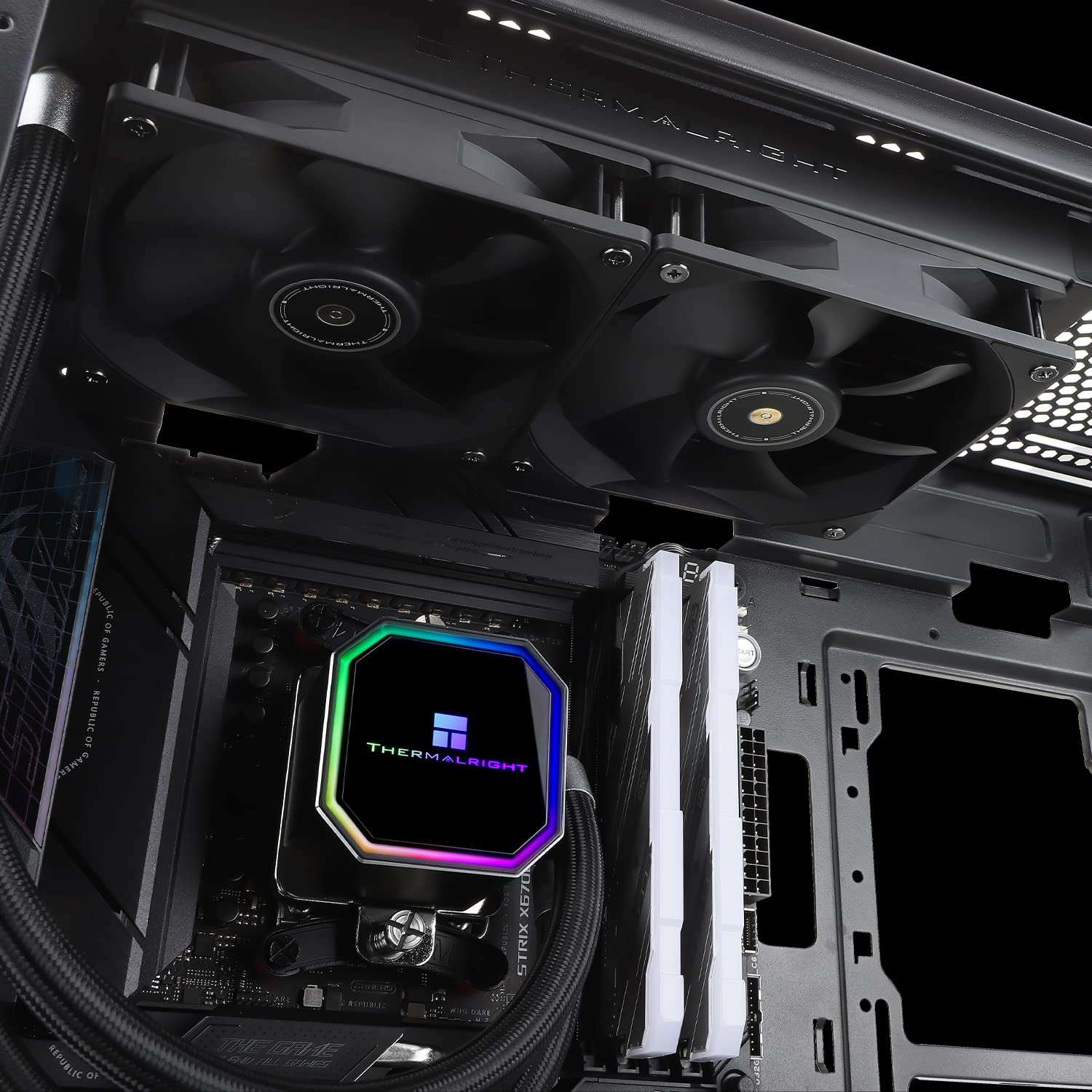
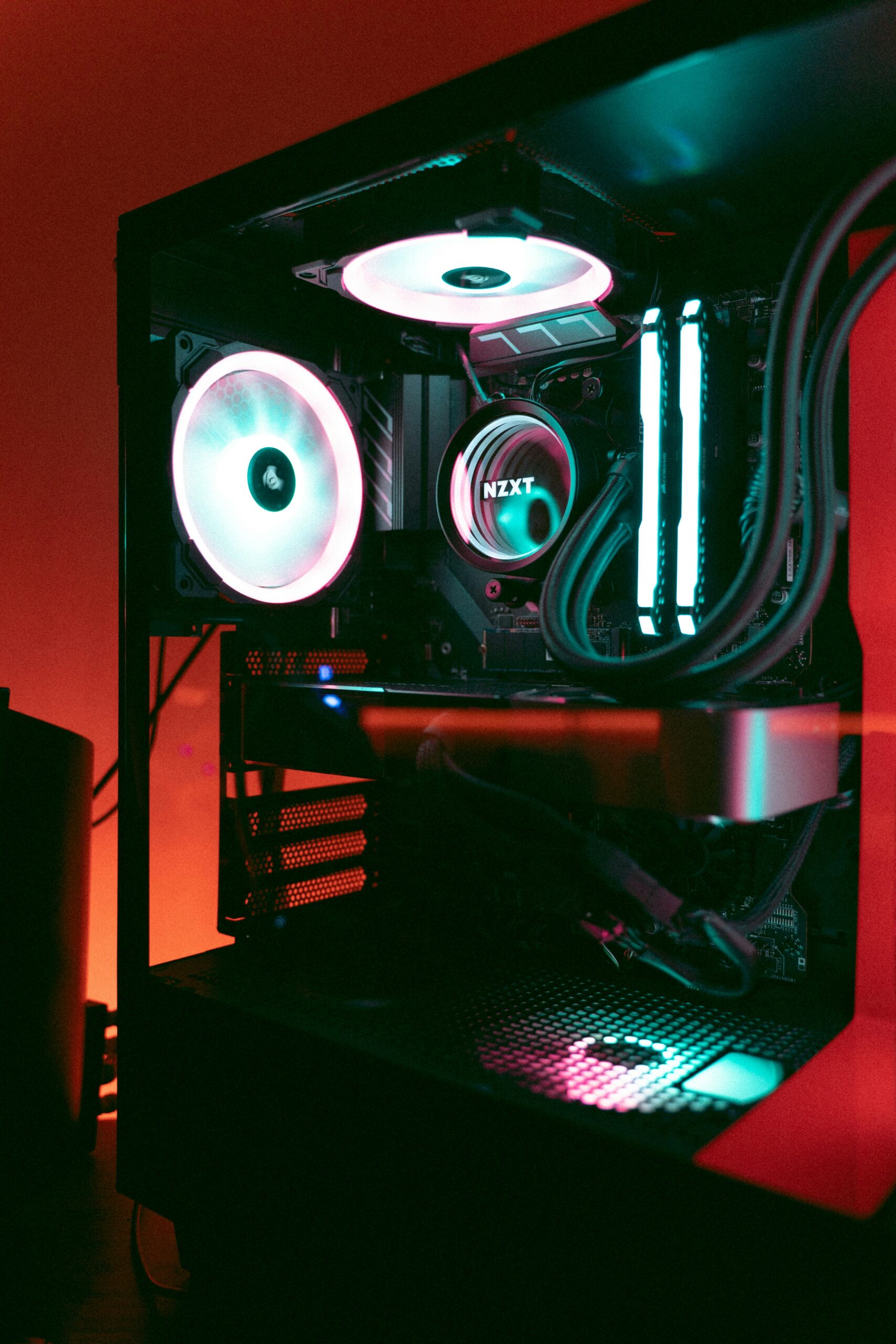
The Ryzen 5 7500X3D is a 3D V-Cache chip, which means RAM choice actually matters more here than it would on a standard Ryzen CPU. The cache stack reduces latency dramatically, but pairing it with slow or poorly tuned memory leaves performance on the table. The sweet spot for this chip is DDR5-6000 with tight timings, and conveniently, most of the kits below land exactly there.
All five options here are 16GB kits at DDR5-6000, the reason is simple, if you’re using the Ryzen 7500X3D, you’re building a budget-friendly system and ain’t no way you’re going to spend $400+ on 32 gigs of RAM. So the real differences here come down to timings, form factor, RGB preferences, and price. None of them are bad choices, but some suit specific situations better than others.
Best RAM for AMD Ryzen 5 7500X3D: Quick Comparison
| RAM Kit | Capacity | Speed | Timings | Price (Amazon) |
| Patriot Viper Elite 5 | 16GB (1×16) | 6000MT/s | CL30 | $187.99 – Buy Now |
| Corsair Vengeance RGB RS | 16GB (2x8GB) | 6000MHz | CL36 | $249.99 – Buy Now |
| Corsair Vengeance DDR5 | 16GB (2x8GB) | 6000MHz | CL36 | $244.99 – Buy Now |
| Crucial Pro OC Edition | 16GB (1x16GB) | 6000MHz | CL36 | $229.00 – Buy Now |
| Kingston FURY Beast RGB | 16GB (1x16GB) | 6000MT/s | CL36 | $259.99 – Buy Now |
Best RAM for AMD Ryzen 5 7500X3D: Top Picks
1. Patriot Viper Elite 5

Quick Highlights
- Single 16GB stick at DDR5-6000, CL30 timings
- 1.35V, compatible with Intel XMP and AMD EXPO
- No RGB, low-profile UDIMM
- Price – $187.99 – Buy Now
The headline spec here is CL30, which makes this the tightest primary timing on this list. For the 7500X3D specifically, lower latency has a measurable impact on gaming performance because the 3D V-Cache is already handling most of the data locality work. CL30 at 6000MT/s is a genuinely good pairing for this chip, and Patriot has validated it through both XMP and EXPO profiles, so you’re not manually tuning anything to get there.
The trade-off is that this is a single 16GB stick, not a dual-channel kit. Running a single stick means you’re in single-channel mode, which cuts memory bandwidth roughly in half compared to two sticks. For the 7500X3D, bandwidth matters less than latency, so the practical performance gap is smaller than it would be on a standard CPU. But it’s still a real trade-off worth understanding. If you plan to add a second stick later, this works. If you want dual-channel from the start, look elsewhere on this list.
Pros
- CL30 is the tightest latency on this list, well-suited to the 7500X3D
- EXPO and XMP both supported out of the box
- No RGB keeps it simple and slightly cheaper
Cons
- Single stick means single-channel bandwidth until you add a second module
- Fewer RGB and aesthetic options for themed builds
2. Corsair Vengeance RGB RS

Quick Highlights
- Dual-channel 2x8GB kit at DDR5-6000, CL36 timings
- RGB lighting with Corsair iCUE support
- AMD EXPO and Intel XMP compatible
- Price – $249.99 – Buy Now
The Vengeance RGB RS is a dual-channel kit, which immediately gives it a bandwidth advantage over the single-stick options here. Two sticks running in dual-channel mode gives the CPU’s memory controller more to work with, and even on a 3D V-Cache chip like the 7500X3D, that matters in memory-intensive workloads and some games. CL36 is a step up from CL30, but at DDR5-6000 it’s still a perfectly reasonable timing that won’t hold back gaming performance noticeably.
The RGB here is Corsair’s iCUE ecosystem, which is well-supported and easy to configure if you already use Corsair peripherals or other iCUE components. If you don’t, it means installing Corsair’s software, which not everyone wants. The “RS” suffix on this kit denotes a slightly more budget-oriented version of the Vengeance RGB line, with simpler heatspreaders compared to the higher-end Vengeance RGB Pro. At DDR5-6000 CL36, the performance is essentially identical to pricier alternatives.
Pros
- Dual-channel configuration provides better bandwidth than single-stick kits
- iCUE RGB integration is polished and well-supported
- Reliable EXPO support for straightforward setup on AM5
Cons
- CL36 primary timing is looser than the Patriot option
- iCUE software is required to control RGB, which adds bloat for some users
3. Corsair Vengeance DDR5

Quick Highlights
- Dual-channel 2x8GB kit at DDR5-6000, CL36 timings
- No RGB, clean gray heatspreader design
- AMD EXPO and Intel XMP 3.0
- Price – $244.99 – Buy Now
This is essentially the same kit as the RGB RS above minus the lighting, which is a straightforward trade-off: less money, less visual flair. The performance specs are identical at DDR5-6000 CL36, and you still get a proper dual-channel configuration with EXPO and XMP 3.0 support. For the 7500X3D, this means easy setup through BIOS with one profile selection and no manual tuning required.
The practical case for this over the RGB version comes down to budget and build priorities. If you have a closed case or just don’t care about RAM lighting, paying extra for LEDs that you’ll never see makes no sense. The Vengeance non-RGB line has a solid reputation for compatibility across AM5 motherboards, and Corsair’s QC on DDR5 is generally reliable. It’s one of those kits that doesn’t do anything exciting but rarely causes problems either, which is actually what you want from RAM.
Pros
- Dual-channel at DDR5-6000 CL36 with no unnecessary premium for RGB
- Strong AM5 board compatibility across major manufacturers
- XMP 3.0 and EXPO both supported for hassle-free setup
Cons
- CL36 is average for this price tier; not the best latency available
- Plain aesthetics offer nothing for open-frame or showcase builds
4. Crucial Pro Overclocking Edition

Quick Highlights
- Single 16GB DIMM at DDR5-6000, CL36 timings
- 1.35V, unbuffered DIMM, black heatspreader
- No RGB
- Price – $229.00 – Buy Now
Crucial’s Pro OC Edition is a single 16GB module positioned as an easy overclocking entry point. At DDR5-6000 CL36, it’s nothing special on paper, but Crucial’s relationship with Micron (they’re the same company) means these modules are typically built on Micron NAND, which tends to have decent overclocking headroom beyond the rated spec. If you like to manually tune beyond the EXPO profile, there’s potentially more performance here than the rated specs suggest, though actual results vary by individual chip.
Like the Patriot kit, this is a single module, so you’re in single-channel territory unless you buy two. The black heatspreader looks clean and fits most build themes without clashing. Crucial’s DDR5 compatibility list is extensive, and AM5 support is solid across the major motherboard brands. It’s a reasonable pick if you want a single high-quality stick to start with and plan to add another later, but it’s hard to recommend over a proper dual-channel kit if you’re buying both sticks at once.
Pros
- Micron-based modules often have solid OC headroom beyond rated specs
- Clean black aesthetic works in most builds
- Strong motherboard compatibility, including AM5
Cons
- Single module means single-channel until you add a second stick
- CL36 at this price is competitive but not class-leading
5. Kingston FURY Beast RGB

Quick Highlights
- Single 16GB module at DDR5-6000, CL36 timings
- RGB lighting, AMD EXPO certified
- Low-profile heatspreader design
The Kingston FURY Beast RGB is a solid single-module option with AMD EXPO certification, meaning it’s been specifically validated for AM5 platforms rather than just listing EXPO compatibility. In practice this usually means slightly more reliable plug-and-play behavior at the rated speed on supported AM5 boards. CL36 at 6000MT/s is standard, and the Kingston FURY line has a consistent reputation for hitting its rated specs reliably without fussing with BIOS settings.
The RGB on this module is clean and the heatspreader is relatively low-profile, which helps with cooler clearance in tighter builds. Kingston doesn’t have a software suite ecosystem like Corsair, so RGB control depends on your motherboard’s ARGB headers and software instead.
That’s either a plus or a minus depending on whether you prefer centralizing control through your board’s app. As a single stick, the same dual-channel caveat applies here. Worth noting that EXPO is listed but Intel XMP is not explicitly mentioned in the product listing, so if you’re building an Intel system down the road, double-check compatibility.
Pros
- AMD EXPO certified for reliable AM5 performance out of the box
- RGB syncs through motherboard software, no separate app needed
- Low-profile design aids cooler clearance in tighter cases
Cons
- Single module limits bandwidth to single-channel mode
- XMP support is not explicitly confirmed, limiting Intel platform compatibility
Conclusion
For the 7500X3D, the Patriot Viper Elite 5 stands out if latency is your priority: CL30 at DDR5-6000 is the tightest on this list and plays to the chip’s 3D V-Cache strengths. But it’s a single stick, and if dual-channel bandwidth matters to you, the Corsair Vengeance DDR5 or Corsair Vengeance RGB RS are the cleaner choices depending on whether you want RGB. The Crucial Pro OC Edition and Kingston FURY Beast RGB are both single-module options that work best as starter sticks you plan to pair later. If you’re buying once and building now, go dual-channel from the start.
Also Read: